

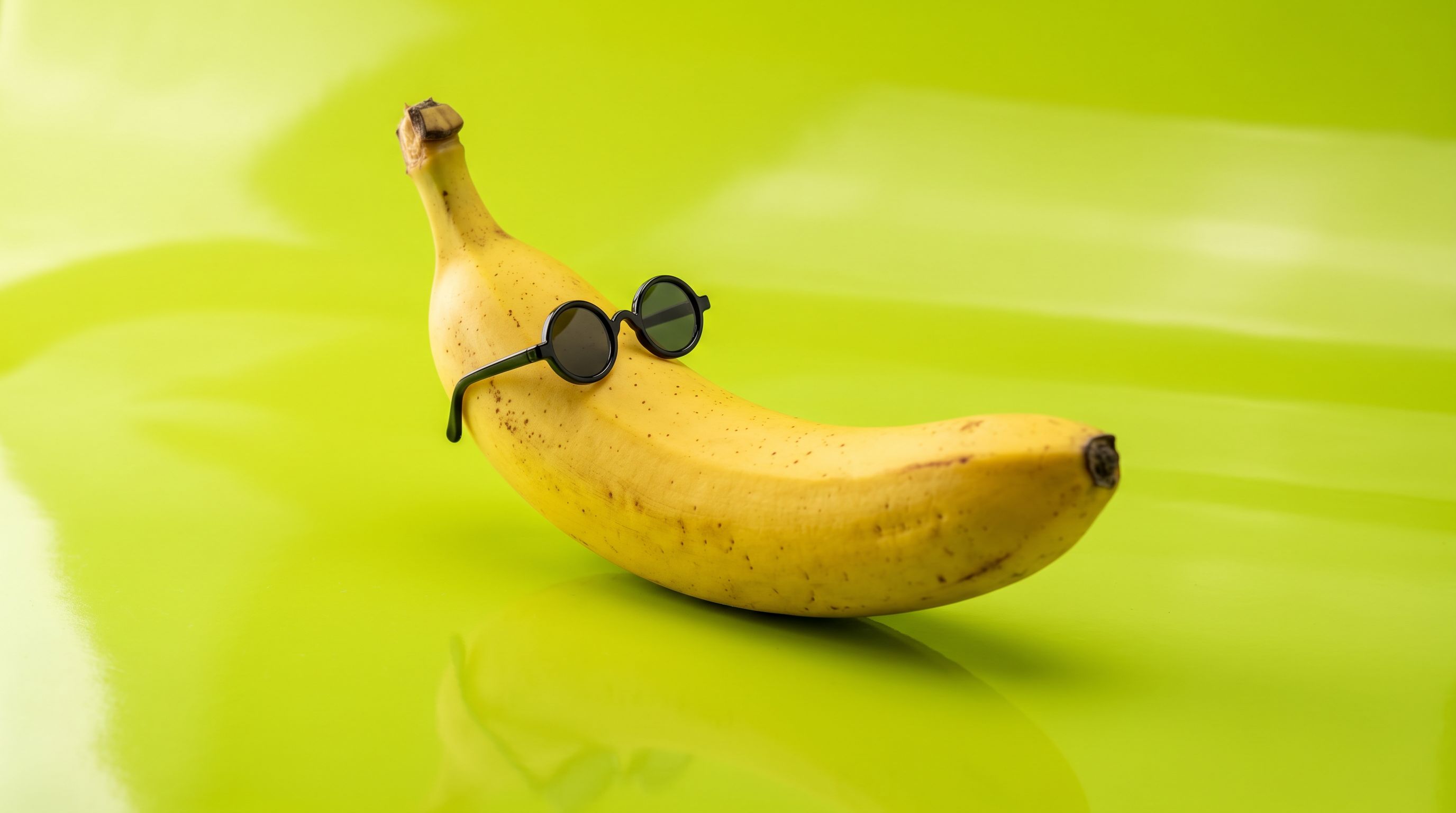
Nano Banana 2 Lite is the fastest and most affordable image generation model on CRAISEE, built on Google's Gemini 3.1 Flash-Lite Image. Optimized for rapid prototyping, bulk image generation, and cost-efficient creative work, it offers two core capabilities: generating images from text prompts alone, and editing existing images. This model is especially recommended for creators who need quick results, high-volume content producers, and anyone in the early ideation or sketching phase of a project.
Overview
Nano Banana 2 Lite is the fastest and most affordable image generation model on CRAISEE, built on Google's Gemini 3.1 Flash-Lite Image. Optimized for rapid prototyping, bulk image generation, and cost-efficient creative work, it offers two core capabilities: generating images from text prompts alone, and editing existing images. On CRAISEE, this model is especially recommended for creators who need quick results, high-volume content producers, and anyone in the early ideation or sketching phase.
Key Capabilities
Nano Banana 2 Lite provides the following core features:
- Text-to-Image Generation: Instantly generate a wide variety of images — photorealistic scenes, illustrations, product mockups, concept art, and more — from text descriptions alone.
- Image Editing: Provide one or more images as input and use text prompts to perform precise edits such as background changes, color replacements, and style adjustments.
- Multiple Reference Image Support: Input up to 14 reference images simultaneously to enable style transfer, image compositing, and complex editing workflows.
- Wide Aspect Ratio Support: Supports 14 aspect ratios including
1:1,9:16,16:9, and21:9, along with amatch_input_imageoption that automatically matches the aspect ratio of the input image. - JPG / PNG Output Selection: Output results in either
jpg(default) orpngformat depending on your needs. - 1K Resolution Output: Generates images at approximately 1 megapixel (1K) resolution at high speed.
Best Use Cases
Nano Banana 2 Lite is CRAISEE's top choice in the following scenarios.
| Scenario | Reason |
|---|---|
| Idea sketching and rapid prototyping | Validate visual ideas as quickly as possible at the lowest cost |
| Bulk image generation (batch jobs) | Generate dozens to hundreds of images economically thanks to low per-image cost |
| Social media content creation | Instantly apply SNS-optimized aspect ratios like 9:16, 1:1, and 4:5 |
| Style transfer experimentation | Run repeated style tests using multiple reference images without worrying about cost |
| Workflows where 1K resolution is sufficient | Ideal for web thumbnails, social media posts, internal drafts, and other tasks where high resolution isn't required |
When not to use this model: If you need 2K/4K high-resolution output or real-time web search–based image generation (Search Grounding), use Nano Banana 2 or Nano Banana Pro instead.
How to Use on CRAISEE
Here's how to use Nano Banana 2 Lite on the CRAISEE platform:
Step 1 — Select the Model
Open the Model Explorer from the CRAISEE dashboard and search for google/Nano Banana 2 Lite, or find it by selecting Text-to-Image from the category filter.
Step 2 — Choose Your Task Type
- To generate a new image, describe the image you want in the text prompt input field.
- To edit an existing image, upload your source image(s) (up to 14) in the image upload area, then enter your editing instructions as a prompt.
Step 3 — Configure Parameters
Set the options you need, such as aspect ratio (aspect_ratio), output format (output_format), and automatic input image aspect ratio matching (match_input_image). See the Input Parameters section below for detailed descriptions.
Step 4 — Run Generation Click the Run button to start generating your image. Nano Banana 2 Lite offers the fastest response time of any model supported on CRAISEE.
Step 5 — Review and Save Results Preview the generated image and download it in your preferred format (JPG/PNG), or save it to your CRAISEE project.
Step 6 — Iterate and Refine If the result isn't quite right, refine your prompt or add reference images and regenerate. The low cost makes it easy to experiment without hesitation.
Input Parameters
The key input parameters you can configure in Nano Banana 2 Lite:
| Parameter | Type | Default | Description |
|---|---|---|---|
prompt | string | — | A text prompt describing the image to generate or edit. More specific and detailed descriptions yield better results. |
image / images | file(s) | — | Input image(s) to use for editing or as references. Supports up to 14 images. |
aspect_ratio | string | 1:1 | The aspect ratio of the output image. Choose from 14 options including 1:1, 9:16, 16:9, 4:3, 3:4, and 21:9. |
output_format | string | jpg | Output file format. Choose between jpg or png. Use png if you need a transparent background. |
match_input_image | boolean | false | When set to true, automatically detects the aspect ratio of the input image and applies it to the output. |
Note: The output resolution of this model is fixed at 1K (approximately 1 megapixel). If you need higher resolution, choose Nano Banana 2 (2K) or Nano Banana Pro (4K).
Tips & Best Practices
Practical tips for getting the best results from Nano Banana 2 Lite.
✅ Tip 1 — Be Specific and Concise with Your Prompts
Instead of something vague like "a beautiful landscape," specify subject + setting + style — for example, "a Jeju Island beach at golden sunset, gentle waves rolling in, photorealistic style." The clearer your prompt, the more accurate the output. This is especially true for Lite-tier models.
✅ Tip 2 — Make Full Use of Reference Images
One of this model's strengths is support for up to 14 reference images. Providing 2–3 images that capture the style you're going for allows you to effectively reproduce a specific mood or color palette that would be difficult to convey through text alone.
✅ Tip 3 — Use Lite to Draft Before Going High-Res
Even if your final output requires high resolution (2K/4K), we recommend first using Nano Banana 2 Lite to quickly review composition and style, then applying your finalized prompt to Nano Banana 2 or Nano Banana Pro. This workflow can save significant time and cost.
✅ Tip 4 — Match the Aspect Ratio to Your Content's Purpose
- Instagram feed:
4:5or1:1 - Instagram/TikTok stories:
9:16 - YouTube thumbnails:
16:9 - Cinematic wide shots:
21:9
Setting the correct aspect ratio upfront means you get a ready-to-use result without any post-crop work.
✅ Tip 5 — Choose PNG Format for Transparent Backgrounds
For product images, logos, stickers, or any work that requires a removed background, set output_format to png. JPG does not support transparency, so additional post-processing may be needed if you use that format.
Comparison
A comparison of Nano Banana 2 Lite against related models on CRAISEE:
| Feature | Nano Banana 2 Lite | Nano Banana 2 | Nano Banana Pro |
|---|---|---|---|
| Base Model | Gemini 3.1 Flash-Lite Image | Gemini 3.1 Flash Image | Gemini 3.1 Pro Image |
| Output Resolution | 1K | 2K | 4K |
| Speed | ⚡ Fastest | Fast | Moderate |
| Cost | 💰 Lowest | Mid-range | High |
| Search Grounding | ❌ Not supported | ✅ Supported | ✅ Supported |
| Reference Images | Up to 14 | Up to 14 | Up to 14 |
| Best For | Quick drafts, bulk generation | Balanced quality/speed | Highest-quality final output |
In summary, Nano Banana 2 Lite is CRAISEE's optimal choice for any image generation task where speed and cost efficiency are the top priorities. If you don't need high resolution or real-time search-based features, the fast generation speed and low cost this model delivers provide a clear advantage in most creative workflows.
Related Models
google/nano-banana-2— 2K resolution, Search Grounding supportedgoogle/nano-banana-pro— Highest-quality 4K output
This document is the official model reference for the CRAISEE platform. Model specifications and features are subject to change based on provider updates.


