

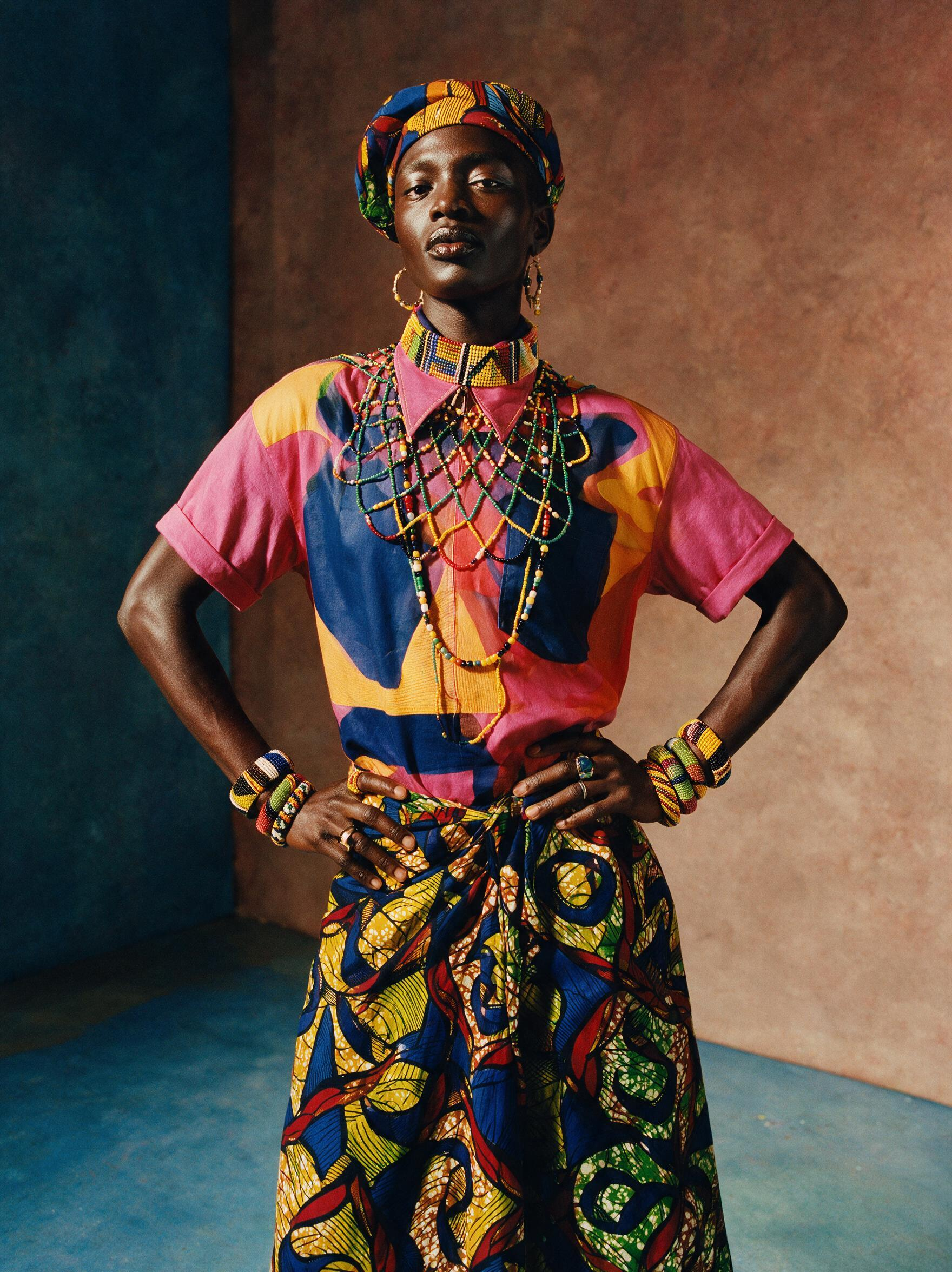
Seedream 5.0 Pro: ByteDance's unified image generation model with 2K native output, layer export, and multilingual text rendering — specs, strengths, and prompts.
Seedream 5.0 Pro is ByteDance's most capable image generation model to date — a unified architecture that treats generation, editing, and layer export as a single pipeline rather than three separate tools. Released July 8, 2026 [3], it targets production workflows where flat image output is not enough: e-commerce asset libraries, multilingual campaign design, and print-ready infographics that need to stay editable after generation.
What Is Seedream 5.0 Pro?
Seedream 5.0 Pro is ByteDance's fifth-generation proprietary image generation model, built on a unified diffusion transformer trained jointly for generation and editing tasks [4][12]. That single architecture handles text-to-image, image-to-image, and multi-image editing in one pipeline — a structural difference from models that bolt editing on as a post-processing step.
It is the flagship tier of the Seedream 5 family, succeeding Seedream 4.5 (Q4 2025) [3][18], and sits above Seedream 5.0 Lite in the product hierarchy. ByteDance positions it specifically for high-density infographic design, precision interactive editing, and photographic realism at commercial scale [4].
Key Identifiers
| Property | Value |
|---|---|
| Developer | ByteDance (proprietary — no public weights) [2] |
| Architecture | Unified diffusion transformer [12] |
| Release date | July 8, 2026 [3] |
| Predecessor | Seedream 4.5 (Q4 2025) [18] |
| Consumer access | Dreamina (free daily credits) [12] |
| Developer access | Volcano Engine (China); BytePlus ModelArk (international) [12] |
| Vercel identifier | bytedance/seedream-5.0-pro (added July 11, 2026) [19] |
The model is fully proprietary. No weights, checkpoints, or training details have been published [2].
Core Capabilities
Seedream 5.0 Pro's architecture integrates control signals natively, enabling pixel-level region editing, sketch-to-image, anchor editing, and multi-image fusion — capabilities absent from comparable models like GPT Image 2 [16]. Its layer separation output exports a full image as one background plus up to 19 element layers, each as an alpha-channel PNG, returning between 2 and 20 files billed per image [9].
Resolution and Reference Inputs
The model generates natively at 2K resolution with upscaling to 4K supported, making it viable for print and large-format work [12]. It accepts up to 10 reference images per call; the Lite tier accepts up to 14 [9].
Multilingual Text Rendering
Seedream 5.0 Pro renders text natively in 15 languages, including Arabic (RTL), Japanese, Korean, Russian, Spanish, and French — with correct letterforms and accent marks [5][12]. This is a structural capability, not a post-processing overlay; the model generates correct script direction and glyph forms during diffusion rather than compositing text afterward.
Layer Separation
Layer separation is Seedream 5.0 Pro's most differentiated output mode. A single generation call can return one background layer plus up to 19 named element layers, each exported as an alpha-channel PNG [9]. Each output image is billed separately, so a 10-layer export costs 10× the per-image rate. This output format is directly compatible with design tools that accept layered PNGs — no manual masking required.
Video Pipeline Integration
Outputs from Seedream 5.0 Pro are trusted inputs for Seedance 2.x video models, enabling a direct still-to-video pipeline without additional moderation steps [5]. ByteDance positions Pro as the still-frame generator for Seedance 2.5 animation workflows.
Strengths
Seedream 5.0 Pro's clearest benchmark advantages are in e-commerce (+10%) and marketing (+20%) tasks compared to Nano Banana Pro, driven by its infographic composition, layer separation workflow, and cinematic lighting handling [16]. These numbers reflect a structurally different editing loop — not just better image quality, but a design-file output model.
Layer Separation as a Design Workflow
The layer separation feature turns a single generation into a multi-layer editable file. Swap subjects, recolor elements, or recompose without re-prompting [9]. The standard "regenerate and hope" loop is replaced by a direct edit on a specific layer — a meaningful time saving for e-commerce teams managing hundreds of SKU variants.
Infographic and Structured Visual Composition
Where older models manage one strong subject per image, Seedream 5.0 Pro composes information-rich visuals in a single pass: posters, flowcharts, data charts, slide layouts, and diagrams [11]. It holds a structured visual hierarchy across many elements and keeps small labels legible — a capability that benchmarks directly against human-designed infographic templates.
Precision Editing Controls
Point, lasso, sketch, and anchor controls enable targeted changes at the pixel level [12]. A practical example: recolor a bottle cap to matte black while preserving studio lighting and the marble surface behind it. The model's native understanding of spatial positioning and regional semantics makes this reliable across most product photography scenarios.
Multilingual Typography at Scale
Native rendering across 15 languages removes the manual typesetting step for localization workflows [5]. For marketing teams producing campaign assets in Arabic, Japanese, and Korean simultaneously, this collapses a multi-step production pipeline into a single generation call.
Cinematic Lighting
Portraits generated with Seedream 5.0 Pro show smoother transitions between highlights and shadows compared to prior generations [12]. Soft key lighting, practical fill, and shallow depth of field render with more physical coherence than the flat-lit outputs common in earlier diffusion models.
vs. GPT Image 2
GPT Image 2 is 2–5× more expensive at equivalent resolution and lacks region editing, layer separation, and multi-image fusion entirely [16]. The feature gap is larger than the price gap.
Weaknesses
Seedream 5.0 Pro carries several documented limitations that matter for production use — most critically around portrait realism, small text reliability, and spatial reasoning consistency [12][14][20]. ByteDance's own launch post acknowledges "room to improve in finer-grained text rendering and pixel-level editing consistency" [4].
Portrait Realism Regression
Early testers report weaker portrait realism and stricter content filtering on Pro compared to Seedream 4.5 [14]. Community feedback consistently rates 4.5 higher for photographic portrait quality. Pro also tops out at 3K resolution, whereas Seedream 4.5 supported full 4K output [14].
Small Text Reliability
Dense tables, full paragraphs, and many small labels increase error rate significantly [11][20]. This is a direct weakness for dashboards, UI mockups, financial charts, and product packaging — precisely the infographic use cases where the model otherwise excels. The risk scales with label density: a poster with six callouts is safe; a dashboard with forty data labels is not.
Portrait Compositing Artifacts
Full-body shots with complex backgrounds or multiple reference images can produce a pasted-on, sticker-like appearance [20]. The subject may look sharp, but does not always feel physically present in the scene. This issue becomes more frequent with four or more distinct reference images in a single call.
Spatial Reasoning Glitches
Seedream 5.0 Pro is less stable than GPT Image 2 or Nano Banana 2 on complex spatial arrangements [16]. Scenes requiring precise object placement relative to one another — stacked items, overlapping hands, multi-character compositions — are higher-risk outputs.
Complex Chinese Text and Character Consistency
Third-party testing notes that complex Chinese text, fine interface details, and character consistency across multi-image sets remain weak points [12]. Teams producing Chinese-language assets at scale should test thoroughly before committing to a production pipeline.
Generation Speed
Pro runs slower than Lite due to higher controllability overhead, using parallel processing rather than progressive output [12]. For rapid iteration on simple product shots or portraits, Lite is the faster choice.
Pricing and Access Limits
Seedream 5.0 Pro pricing varies by access point, with the standard API at $0.075 per image up to 2.36MP and lower rates available through cloud partners [2][9][19]. Layer separation calls are billed per output image, so a 10-layer export costs 10× the per-image rate.
| Access Point | Price | Notes |
|---|---|---|
| Standard API | $0.075 / image (up to 2.36MP) | [2] |
| Atlas Cloud | $0.054 / image | 2K and 3K output options [9] |
| Vercel AI Gateway | $0.003 / 1M input tokens + $0.04 / image | Model ID: bytedance/seedream-5.0-pro [19] |
| Layer separation | Per output image (2–20 images/call) | Billed at the per-image rate of the access point [9] |
| Dreamina (consumer) | Free daily credits for new accounts | [12] |
The model identifier on Vercel AI Gateway is bytedance/seedream-5.0-pro [19]. No public API key is required for Dreamina consumer access; developer access requires a Volcano Engine or BytePlus ModelArk account [12].
Best Prompts and Prompt Architecture
Seedream 5.0 Pro responds well to structured prompts that separate communication goal, content hierarchy, layout constraints, and text labels into distinct clauses [11][12]. Vague prompts produce competent images. Structured prompts unlock its infographic and editing capabilities.
Infographic Prompt Structure
Use this four-part format:
[Communication goal] → [Content hierarchy] → [Layout constraints] → [Text labels]
"A vertical product comparison infographic, three columns, header row in bold, six feature rows with checkmarks, white background, labels in English and Japanese."
This structure matches the model's native understanding of spatial positioning and regional semantics [12]. Specifying column count, row count, and label language before describing visual style consistently produces better layout fidelity than style-first prompts.
Layer Separation Trigger
Append the layer export instruction explicitly and name each layer:
"Export as separate layers with alpha transparency: product bottle foreground, drop shadow layer, gradient background, English text overlay layer."
Naming layers by semantic role (not visual description) produces more reliably separated outputs [9].
Precision Editing: Delta Prompts
When using region or lasso controls, describe only what changes — not what stays the same [12]:
"Change cap color to matte black, preserve studio lighting and marble surface."
Restating unchanged elements in a delta prompt often causes the model to alter them. Keep editing prompts minimal and targeted.
Multilingual Text: Specify Script Direction
Explicitly declare script direction to activate correct RTL or vertical handling [5]:
"Arabic headline right-to-left, 36pt, white on dark navy." "Japanese vertical text, right column, 24pt, black on cream."
Without explicit direction, the model defaults to LTR even for RTL scripts in some configurations.
Cinematic Portrait Lighting
Specific lighting descriptors outperform generic realism prompts [12]:
"Soft key light from upper left, practical window fill, shallow depth of field, film grain, 35mm."
This outperforms "realistic photo" or "photorealistic portrait" consistently in highlight-shadow transition quality.
What to Avoid
- Dense small-print text blocks (more than ~20 labels per image) [11][20]
- Complex Chinese character strings in body copy [12]
- Full-body composites with four or more distinct reference images in one call [20]
- Spatial arrangements requiring precise relative positioning of more than three objects [16]
Try Seedream 5.0 Pro on CRAISEE
CRAISEE gives you direct access to Seedream 5.0 Pro alongside the full Seedream family and Seedance video models — no API key management, no per-model billing setup, just a single workspace for generation, layer editing, and still-to-video handoff.
Start a project on CRAISEE to run the layer separation workflow, test multilingual infographic prompts, or hand off a Pro-generated still directly to Seedance 2.5 for animation.
When to Choose Pro Over Lite
Choose Pro when the task requires layer separation, region editing, multilingual typography, or infographic composition [16]. Choose Lite when speed and cost matter more than controllability — Lite accepts up to 14 reference images and runs faster, making it better suited for rapid iteration on portraits or simple product shots [15][17].
When to Consider Seedream 4.5 Instead
If portrait realism and full 4K output are the primary requirements and editing features are not needed, Seedream 4.5 remains a competitive option [14]. Community feedback consistently rates it higher for photographic portrait quality than the Pro tier. For pure portrait work without a layer separation or editing requirement, 4.5 is the safer choice until ByteDance addresses the realism regression in a future update.
Seedream 5.0 Pro is the right tool when the output needs to be a design file, not just a flat image — layer-separated, multilingual, and editable at the region level without re-prompting from scratch. Where it falls short (portrait realism, small text density, spatial complexity), the tradeoffs are documented and predictable enough to route around. Run it on CRAISEE to test the layer separation and infographic workflows against your actual production assets.
Sources
- [2] What Is Seedream 5? ByteDance Image Model — kie.ai
- [3] Seedream 5.0 Lite — seed.bytedance.com
- [4] Introducing Seedream 5.0 Pro: Beyond Generation, It Understands Design — seed.bytedance.com
- [5] Seedream 5.0: New ByteDance's Image Generator | Artlist AI
- [9] Seedream 5.0 Pro API for Precise Image Editing | Atlas Cloud
- [11] Seedream 5.0 Pro: The Complete Guide to Specs, API, Pricing, and 50+ Use Cases | Promptslove
- [12] Seedream 5.0 Pro Review: Features, Prompts & Verdict — jxp.com
- [14] Is Seedream 5 Pro Really Worse Than Seedream 4.5? — Atlas Cloud
- [15] Seedream 5 vs Seedream 5 Pro: We Tested ByteDance's New Image Model | AI Hub — overchat.ai
- [16] Seedream 5.0 Pro: What It Is, What It Can Do, and How It Compares — imagine.art
- [17] Seedream 5.0 Pro Guide: Features vs. Seedream 5.0 Lite — vidmuse.ai
- [18] Seedream Release Notes — Latest Version: Seedream 5 Pro (July 2026) | Seedream Studio
- [19] Seedream 5.0 Pro on AI Gateway: Creative Model Routing — digitalapplied.com
- [20] Seedream 5.0 Pro Review: Early Test Results — WeShop AI Blog


