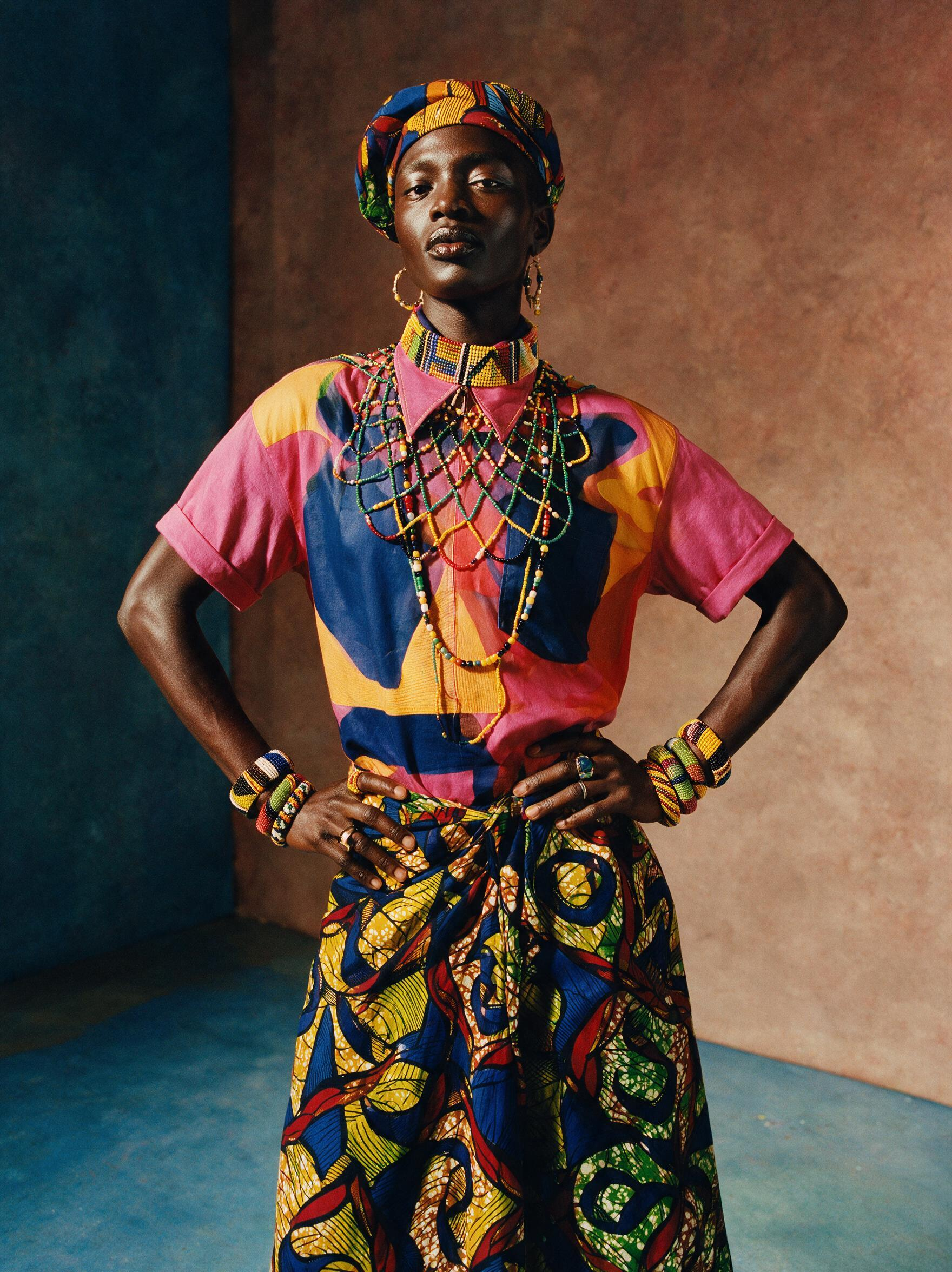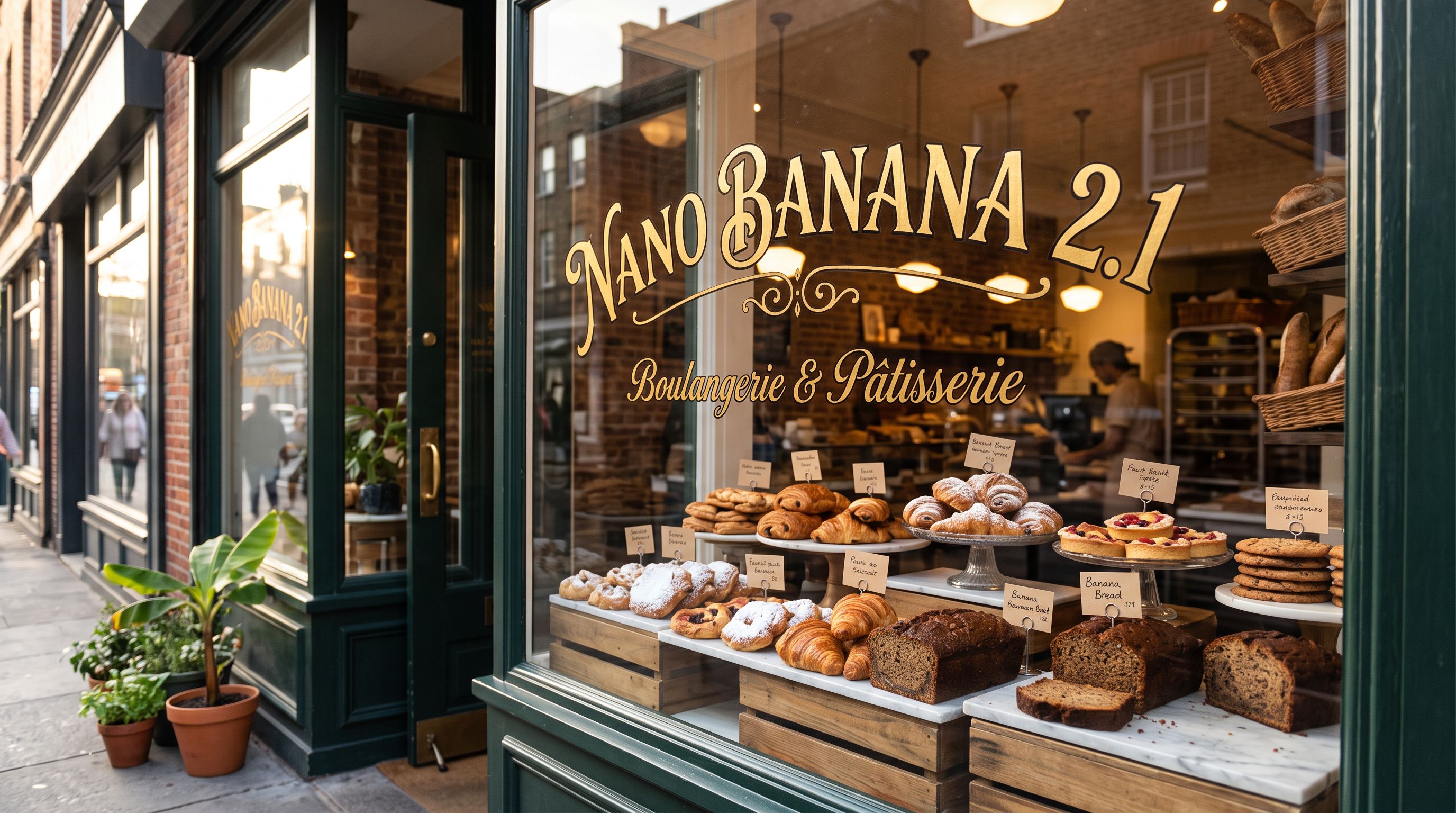


Upscale images 2x or 4x times
Frequently asked questions
What does Google Upscaler do?
Google Upscaler is an AI model that enlarges images by 2x or 4x their original dimensions. Unlike traditional resizing, it reconstructs fine details, edges, and textures to preserve visual quality, preventing the blurring and pixelation that standard interpolation methods typically produce.
What is the maximum file size Google Upscaler accepts?
Google Upscaler accepts source images up to 10MB in file size. This high input tolerance makes it compatible with a wide range of photos, AI-generated images, and previously edited or composited visuals without requiring pre-compression.
Can I use Google Upscaler to prepare AI-generated images for print?
Yes. AI-generated images are often rendered at screen resolution, which is too low for large-format printing. Upscaling 4x with Google Upscaler increases resolution sufficiently for print, merchandise, and physical media, making it a popular final step in AI art workflows.
How many times has Google Upscaler been used?
Google Upscaler has been run over 1,072,495 times on CRAISEE via the Replicate provider. This volume demonstrates consistent, production-grade reliability and makes it one of the most widely used image enhancement models available on the platform.
Is Google Upscaler good for e-commerce product photography?
Yes. Google Upscaler is well-suited for e-commerce product photography because it enhances image sharpness and detail at larger sizes. This ensures product images look crisp and professional across different display sizes, zoom levels, and platform requirements without manual retouching.
What is the difference between 2x and 4x upscaling in Google Upscaler?
2x upscaling doubles the image dimensions, suitable for moderate resolution boosts like social media or web use. 4x upscaling quadruples the dimensions, ideal for print, large-format display, or merchandise. Both modes use AI to reconstruct detail rather than simply stretching pixels.
How does Google Upscaler compare to traditional image resizing?
Traditional resizing interpolates pixels, often causing blurring and loss of detail at larger sizes. Google Upscaler uses AI to reconstruct fine details, edges, and textures during enlargement, resulting in significantly sharper and more detailed output — especially noticeable at 4x scale.
Where can I run Google Upscaler?
Google Upscaler is available on CRAISEE through the Replicate provider. You can use it directly within CRAISEE's creative workflow as a final enhancement step after generating or editing images, making it easy to deliver high-resolution outputs to clients or publishing platforms.

![FLUX.1 Kontext [pro] - AI Model Guide](https://assets.craisee.com/cdn-cgi/image/width=640,quality=82,format=auto,fit=cover/model-covers/594cab68-1287-4089-8206-7689978d4cbc/1778836073737-netyyt.jpg)