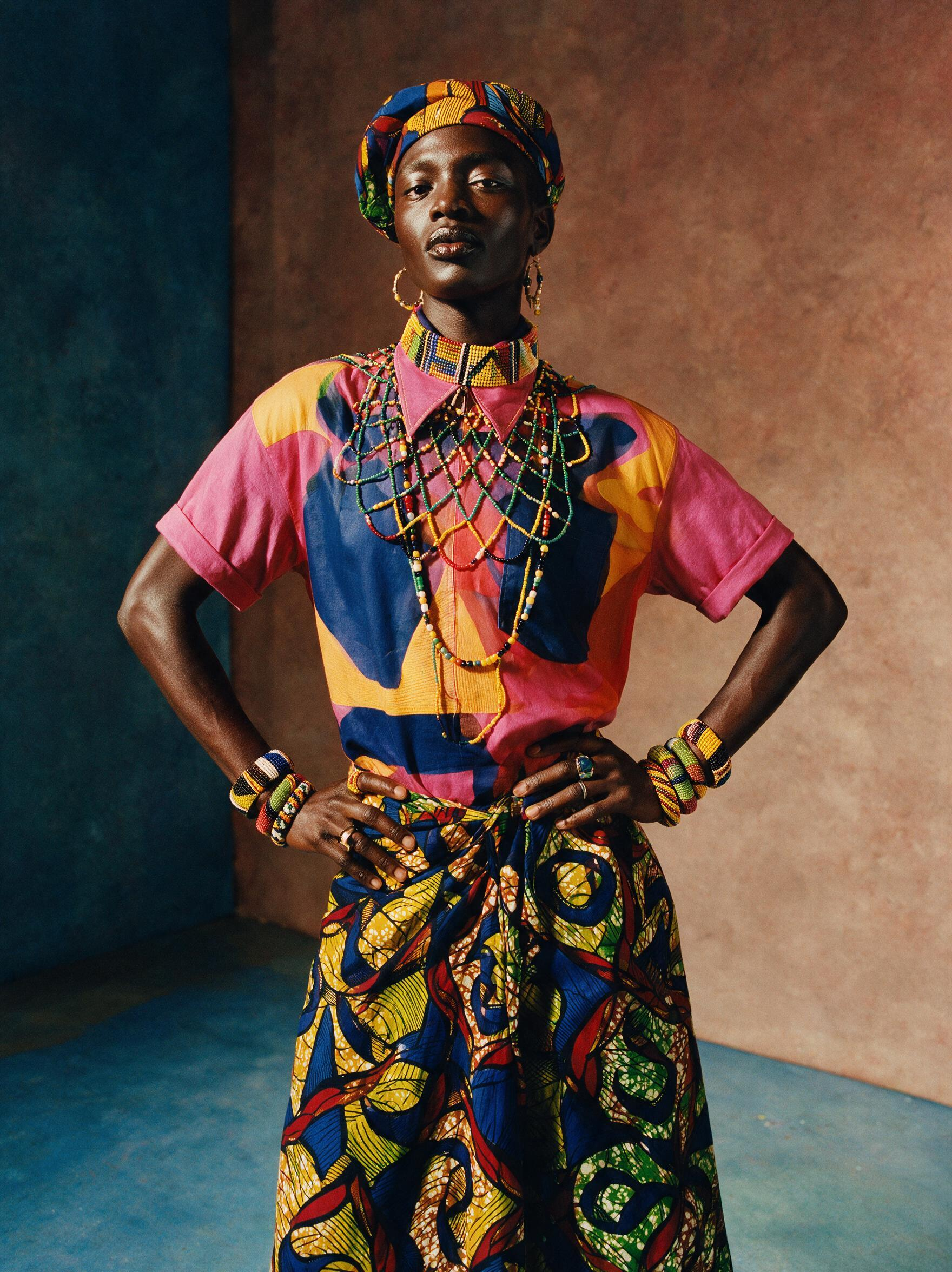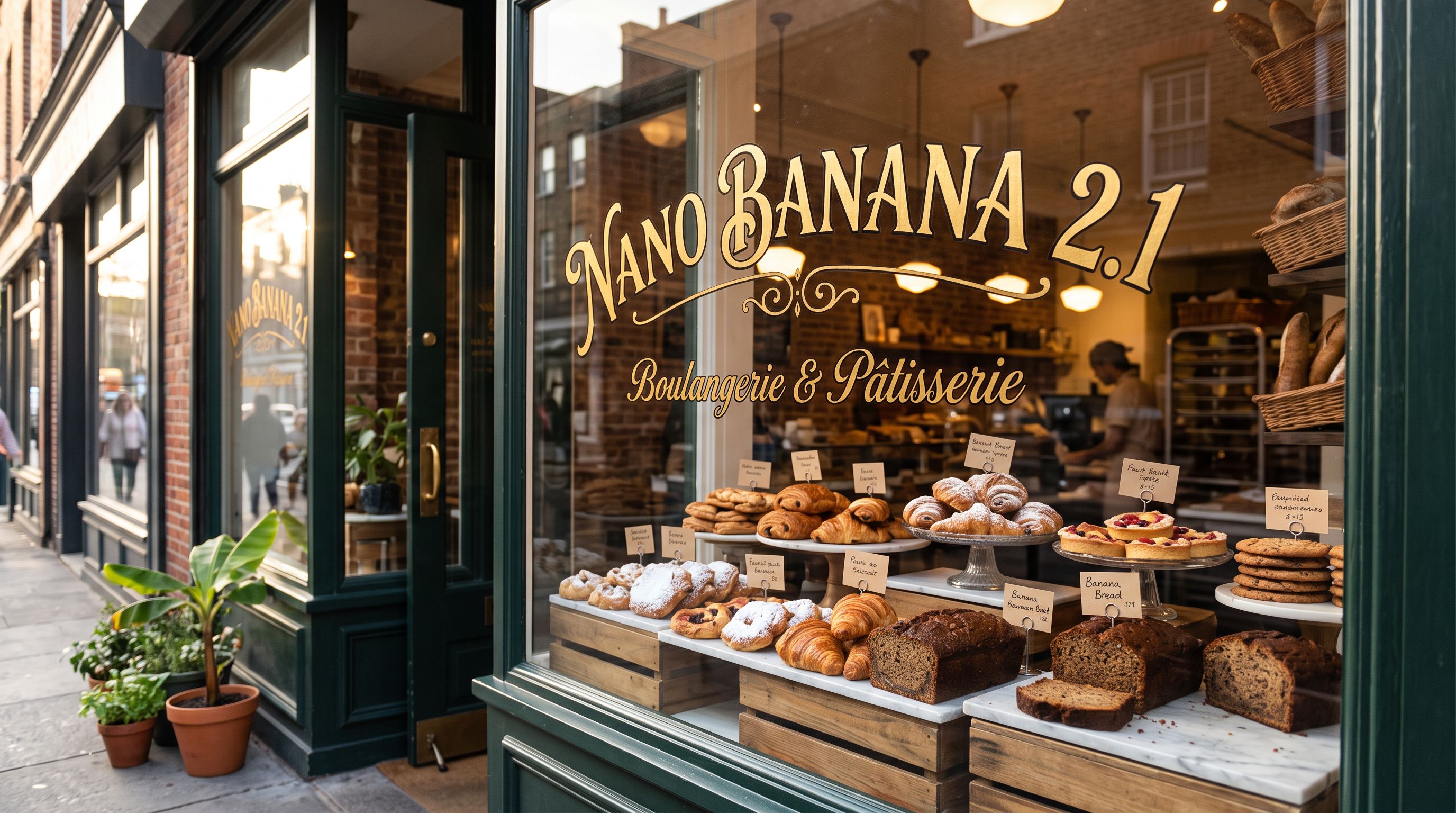

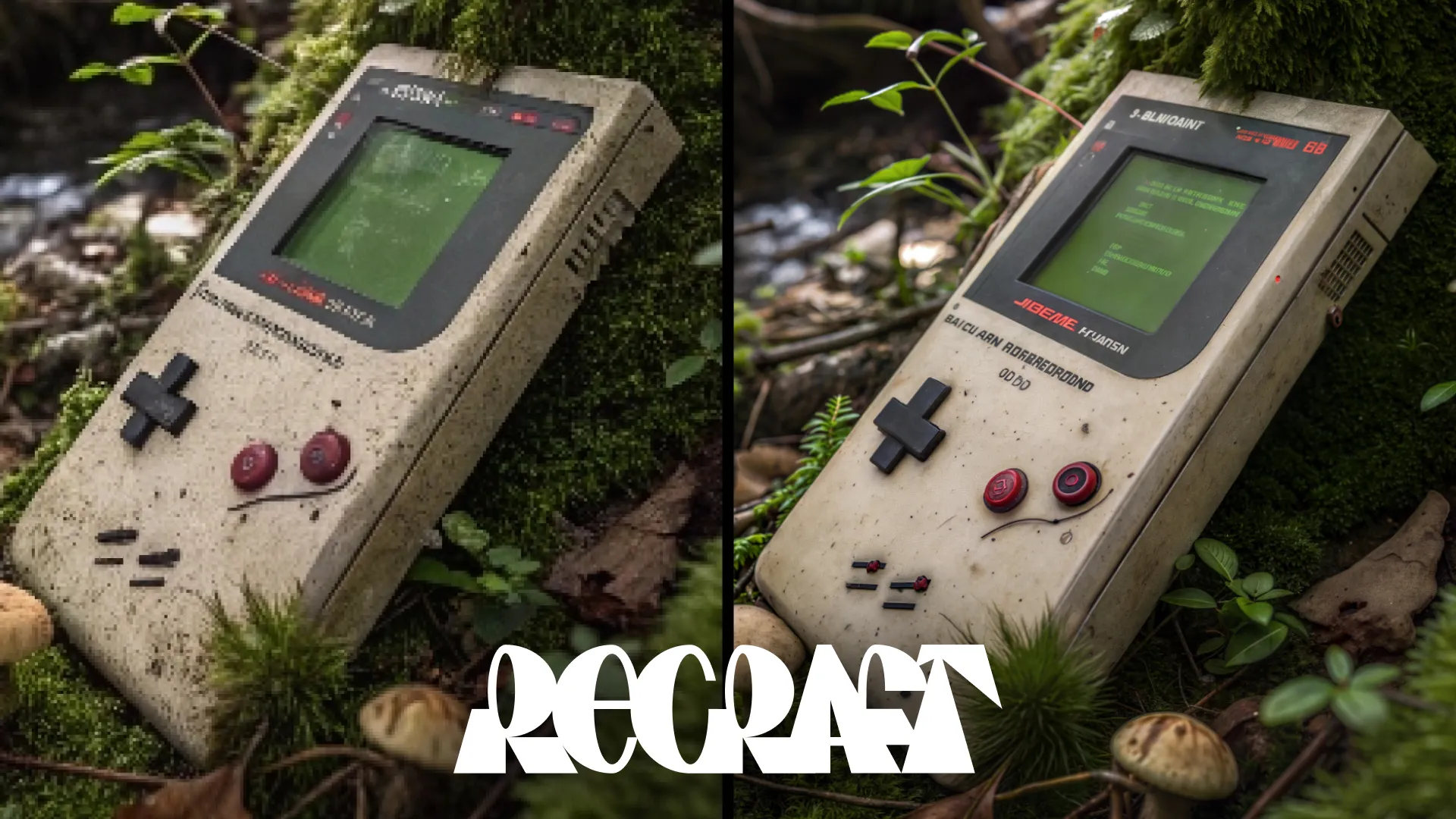
Designed to make images sharper and cleaner, Crisp Upscale increases overall quality, making visuals suitable for web use or print-ready materials.
Frequently asked questions
What does Recraft Crisp Upscale do?
Recraft Crisp Upscale is an AI post-processing model that sharpens, clarifies, and increases the resolution of existing images. It reduces compression artifacts, enhances fine edge detail, and produces output suitable for high-DPI web displays or professional print materials like brochures and posters — without altering the original composition or colors.
How is Recraft Crisp Upscale different from generative AI image models?
Unlike generative models that create images from text prompts, Recraft Crisp Upscale is a post-processing model. It takes an existing image as input and produces a higher-fidelity version. It does not hallucinate or add new content — it strictly enhances clarity, sharpness, and resolution while preserving the original subject matter and color palette.
Is Recraft Crisp Upscale good for print-ready images?
Yes. Recraft Crisp Upscale is specifically designed to upscale images to resolutions suitable for physical print materials. It enhances detail and sharpness to meet the quality standards required for brochures, posters, and marketing collateral, making it a reliable choice for designers preparing assets for professional printing workflows.
How many times has Recraft Crisp Upscale been used on Replicate?
Recraft Crisp Upscale has recorded over 5.7 million runs on Replicate, making it one of the most widely adopted AI image upscaling solutions available. This high usage volume demonstrates its production-grade reliability and consistent output quality across a broad range of image types and use cases.
Does Recraft Crisp Upscale require technical expertise to use?
No. Recraft Crisp Upscale is designed with a single-parameter interface, making it accessible to both technical developers and non-technical users. You simply provide an input image, and the model handles the enhancement automatically — no complex configuration, parameter tuning, or machine learning knowledge is required to get high-quality results.
Can Recraft Crisp Upscale fix JPEG compression artifacts?
Yes. One of its core capabilities is artifact reduction — it cleans up visual inconsistencies, noise, and compression artifacts commonly introduced by JPEG encoding or aggressive file compression. This makes it especially useful for restoring images that have degraded in quality after repeated saving, web downloading, or heavy compression.
Where can I run the Recraft Crisp Upscale model?
Recraft Crisp Upscale is available on Replicate under the model ID recraft-ai/recraft-crisp-upscale, and it is also accessible through CRAISEE. It can be run via Replicate's API or web interface, making it easy to integrate into automated workflows, creative pipelines, or use directly without writing any code.
What types of images benefit most from Recraft Crisp Upscale?
Images that benefit most include low-resolution photos, screenshots, scanned documents, compressed web images, and assets intended for large-format printing. It is ideal when you need to enhance an existing image's quality rather than generate new content — particularly for e-commerce product photos, marketing materials, and archival image restoration.

![FLUX.1 Kontext [pro] - AI Model Guide](https://assets.craisee.com/cdn-cgi/image/width=640,quality=82,format=auto,fit=cover/model-covers/594cab68-1287-4089-8206-7689978d4cbc/1778836073737-netyyt.jpg)