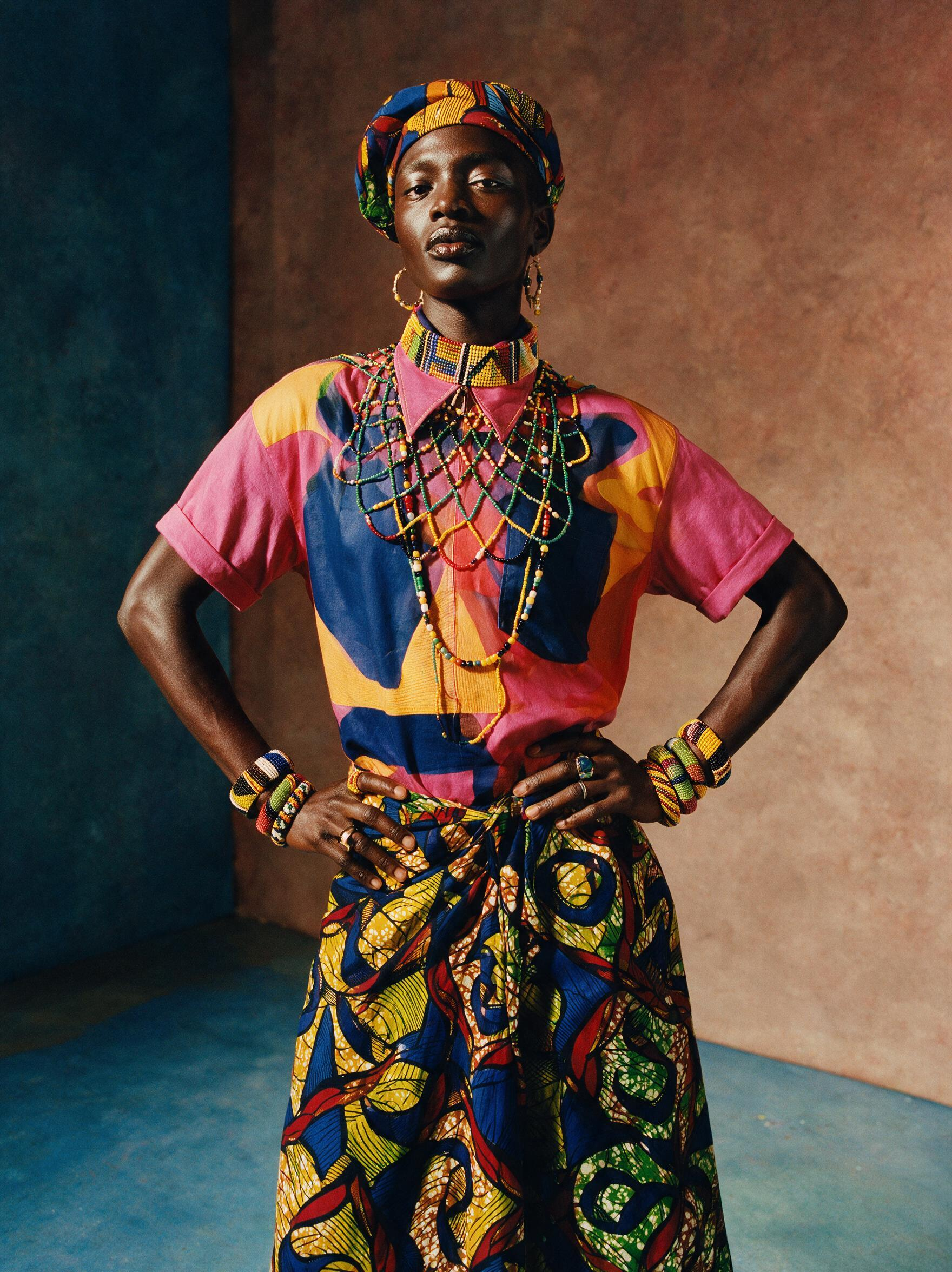
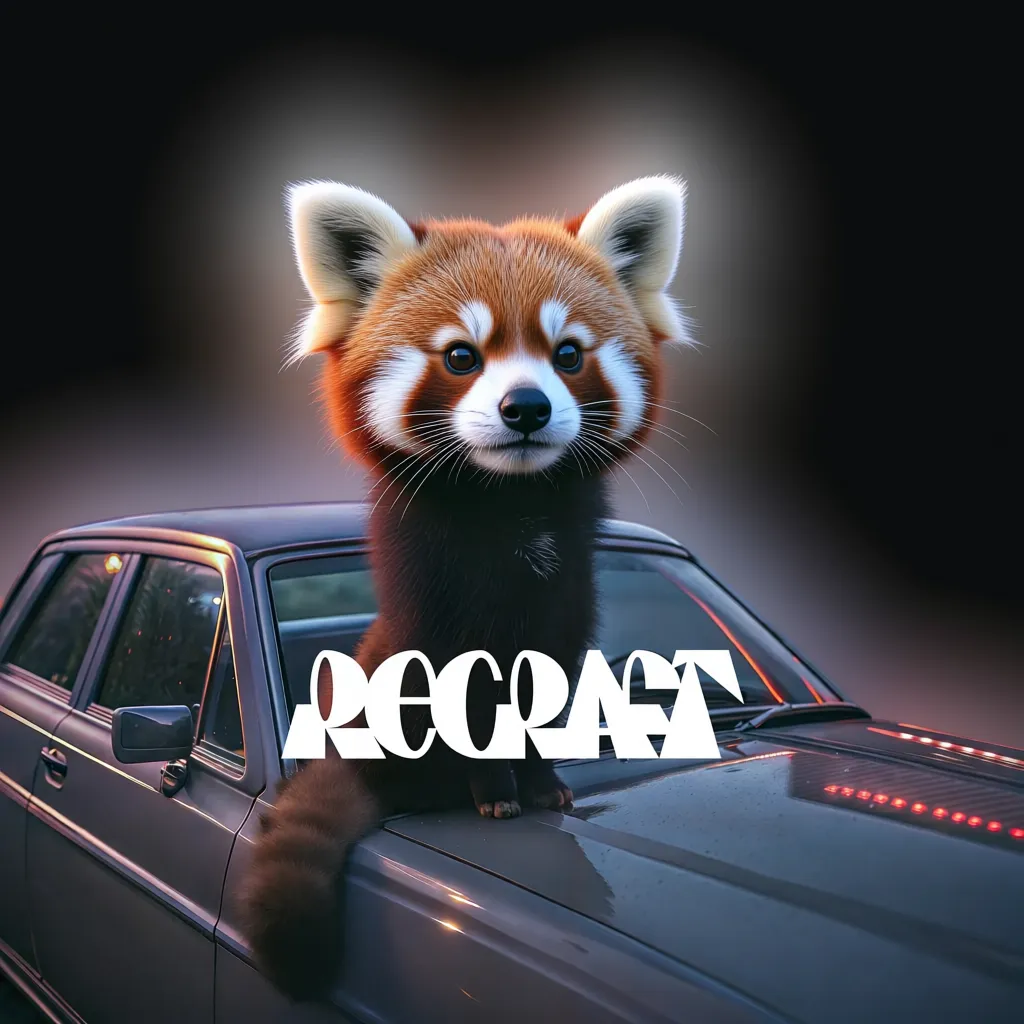
Automated background removal for images. Tuned for AI-generated content, product photos, portraits, and design workflows
Frequently asked questions
What is Recraft Remove Background and how does it work?
Recraft Remove Background is an AI model by Recraft AI, available on CRAISEE via Replicate, that automatically removes image backgrounds. It detects subject edges with high precision, handles complex textures like hair and fur, and outputs transparent PNG files with a full alpha channel — requiring no manual masking or parameter tuning.
Is Recraft Remove Background good for AI-generated images?
Yes. Recraft Remove Background is specifically engineered to process AI-generated imagery. It correctly interprets the unique artifacts, lighting characteristics, and compositional patterns common in generative AI outputs that standard background removal tools often mishandle, making it the top choice for AI content workflows.
What image formats does Recraft Remove Background support?
Recraft Remove Background accepts PNG, JPG, and WEBP input formats, covering the most widely used image types in creative and commercial workflows. It outputs clean transparent PNG files with a full alpha channel, ready for immediate use in design tools, e-commerce platforms, and presentation software.
Can Recraft Remove Background handle transparent or semi-transparent materials?
Yes. Unlike basic cutout tools, Recraft Remove Background preserves the visual integrity of semi-transparent materials such as glass, plastic, and sheer fabrics. This translucent material handling capability makes it suitable for product photography involving bottles, packaging, and delicate textile items.
How many times has the Recraft Remove Background model been used?
The Recraft Remove Background model has been run over 1,605,273 times on the CRAISEE platform via Replicate. This high usage count reflects its reliability and widespread adoption among designers, e-commerce teams, and developers who need consistent, automated background removal at scale.
Does Recraft Remove Background require manual masking or editing?
No. Recraft Remove Background is a fully automated pipeline that requires no manual masking, selection drawing, or parameter tuning. It delivers professional-grade results out of the box, making it ideal for high-volume batch processing workflows where speed and consistency are critical.
How does Recraft Remove Background compare to other background removal tools?
Recraft Remove Background stands out by being specifically tuned for AI-generated content, offering precise edge detection for fine details like hair and fur, and preserving semi-transparent materials. Unlike generic tools, it requires zero manual input and outputs full alpha channel PNGs, making it superior for professional and automated workflows.
What are the best use cases for Recraft Remove Background?
Recraft Remove Background is best suited for product photography, portrait editing, e-commerce catalog preparation, and layered design workflows. It is also ideal for processing AI-generated images, batch background removal pipelines, and any creative workflow requiring clean, transparent PNG outputs without manual editing effort.

![FLUX.1 Kontext [pro] - AI Model Guide](https://assets.craisee.com/cdn-cgi/image/width=640,quality=82,format=auto,fit=cover/model-covers/594cab68-1287-4089-8206-7689978d4cbc/1778836073737-netyyt.jpg)